
Leaf Browser: The Official Hub for Android & Chromebook
Are you looking for the 2016 Chrome network bypass tool, or the lightweight 6.0MB Android mobile browser?
Because these two tools share the exact same name, finding the correct leaf browser download can be incredibly frustrating. You have arrived at the definitive, cryptographically verified archive. Choose your platform below to instantly bypass the confusion and access the correct files and guides.
Leaf Browser Alpha for ChromeOS
The 2016 open-source application used to isolate web sessions and bypass network administration.
Access ChromeOS ProxiesLeaf Browser APK for Android
The 2019 "Super Lite" 6.0MB mobile browser built for rapid media downloading and data conservation.
Download 6.0MB APKLeaf Browser Alpha for Chromebooks (Network Bypass & Unblocking)
If you are searching for the "leaf browser unblocked" utility to navigate around enterprise or school filters, you are looking for Leaf Browser Alpha. Originally built by developer Sam Lanning in 2016, this tool utilized Google Chrome's native <webview> tag to sandbox isolated browsing sessions. It inadvertently became a massive success for educational network evasion, as standard web monitors could not track its separate process threads.
The original Leaf Browser Alpha was abandoned in 2016 and Google has permanently removed it from the web store. Clicking old software directory links will result in dead 404 errors. The only working method today is manual .crx sideloading or utilizing modern web-based obfuscated clones.
Leaf Browser Mobile (The 6.0MB "Super Lite" Android APK)
If you are looking for the mobile application published by M2216 Developer in 2019, you are in the right place. This browser was engineered specifically for maximum data conservation and speed on restricted mobile networks. Because the publisher officially delisted the app in April 2024, our archive provides the only historically preserved, 100% verified download.
6.0MB Size
An ultra-lightweight footprint that preserves local device storage.
Android 4.4+ Support
Complete compatibility for both modern flagships and heavily legacy smartphones (KitKat API Level 19).
Media Save Protocol
Native caching features designed for rapid media downloading and offline viewing.
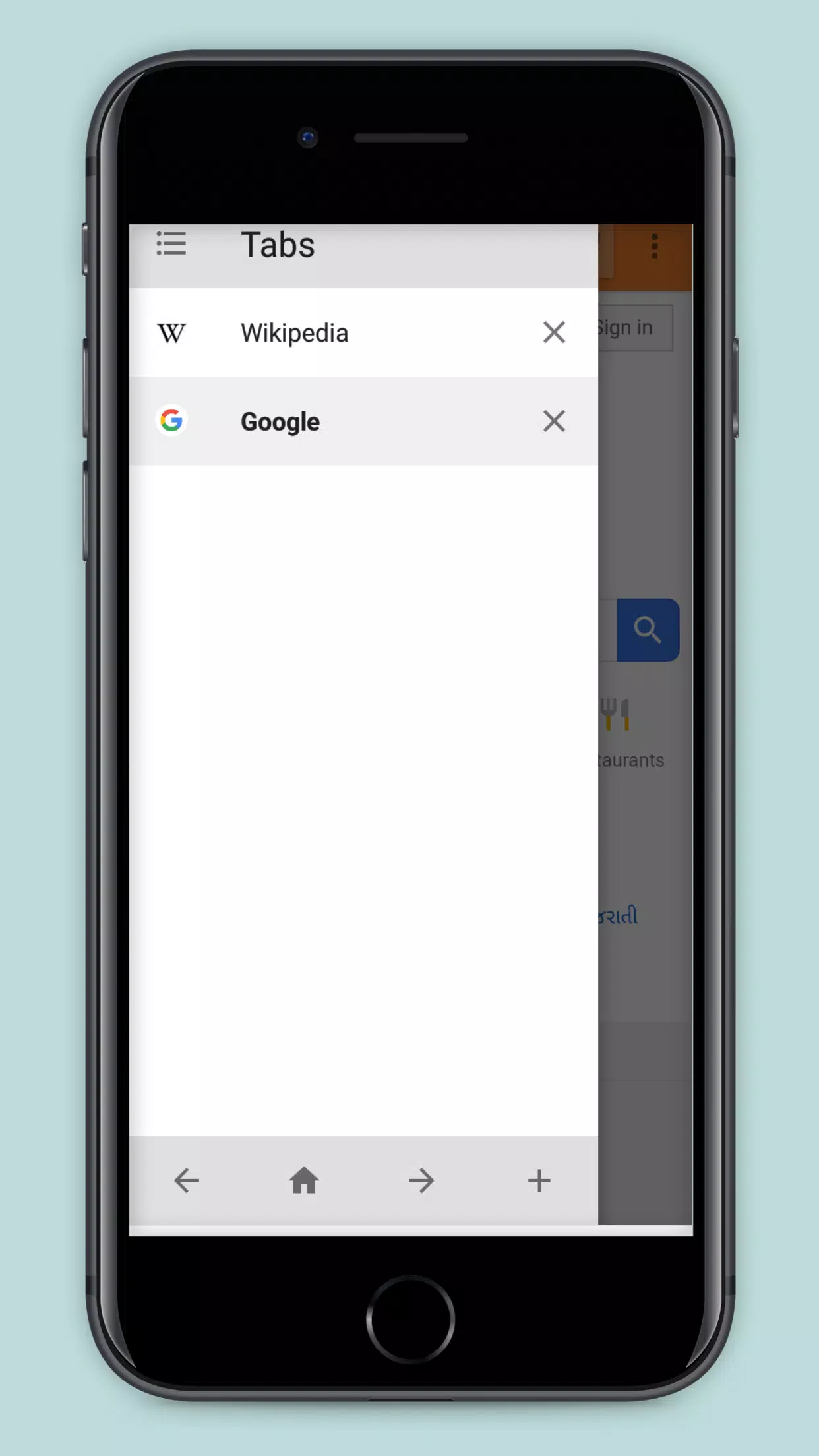
The Leaf Browser Paradox: Two Completely Different Apps
What is Leaf Browser, exactly? The digital footprint of this software presents a bizarre coincidence: two entirely unrelated software entities sharing the exact same name, targeting completely different user bases.
Timeline 1: The 2016 Chrome Alpha
Originally developed as an open-source productivity experiment using HTML/CSS and JavaScript. Its unique ability to nest tabs and isolate web sessions into separate process threads accidentally transformed it into a highly sought-after network evasion tool for the US student demographic fighting Chromebook firewalls.
Timeline 2: The 2019 Android App
A proprietary mobile application categorized under Communications and Telephony. It utilized the native Android WebKit rendering engine, focusing entirely on low resource consumption, "Super Lite" optimization, and offline media saving for emerging markets before quietly disappearing from the Play Store.
Verified Safe Archives: No Dead Links, No Fake Buttons
We eliminate the dead redirects of legacy software directories and the severe malware risks associated with automated APK aggregators. Our mission is pure, safe, and empirical archival.
Cryptographic Hashes Verified
Our Android repository verifies the exact SHA1 hash against the original Play Store release. You are getting the untouched 1.0.1 package.
SHA1: 2002ee2e7c7c7d384281d47b091c30ccc6fd752dSideload-Ready Chrome Files
We provide the raw, unmodified GitHub source code for the Chrome browser extension. No bundled adware, no installers — just clean .crx deployments.
Ad-Free Direct Routing
Say goodbye to confusing pop-ups and disguised download buttons. We route you directly to the technical tutorials and exact binary files you actually need.